
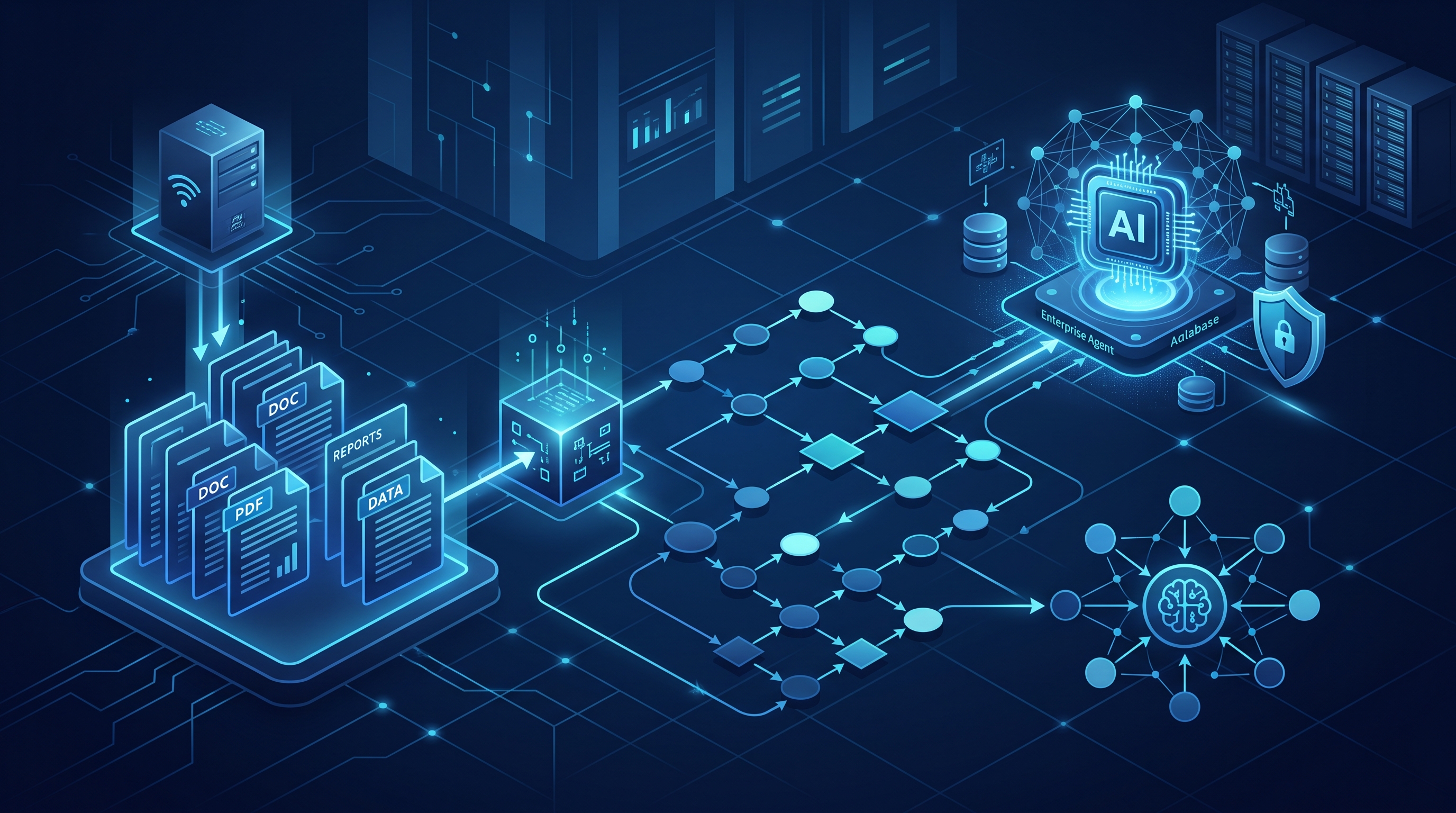
In my twenty-five years building systems for global banks, I have learned one hard truth: AI models are only as good as the context they are fed. We spent years optimizing Kubernetes clusters and reducing latency by milliseconds, but if the data layer is brittle, the entire architecture collapses. Today, we are tackling a specific, high-friction problem: ingesting unstructured PDF documents into a LangGraph-based agentic workflow.
Most tutorials show you how to load a PDF, split it, and embed it. That is academic. In the enterprise, PDFs are messy. They contain scanned images, password protection, complex tables, and inconsistent metadata. If you treat PDF ingestion as a simple load() call, you will fail in production. We need a stateful approach. We need to use LangGraph to manage the complexity of parsing, validation, and storage.
The Problem with Linear Pipelines
Traditional ETL pipelines are linear: Read -> Clean -> Store. This works for structured CSVs, but it fails for documents. A PDF might be an image, a text file, or a hybrid. A linear pipeline breaks on the first exception.
LangGraph introduces a State Graph. This allows us to define nodes that can loop, branch, and retry. When ingesting a PDF, we might attempt text extraction. If it fails, we don't crash; we switch to an OCR node. If the OCR confidence is low, we flag it for human review. This resilience is non-negotiable in financial services, where a missed clause in a contract can cost millions.
As discussed in my previous analysis of production state management, the state object is the single source of truth. For PDF ingestion, our state might look like this:
from typing import TypedDict, Annotated
import operator

class PdfIngestionState(TypedDict):
    file_path: str
    raw_bytes: bytes
    text_content: str
    confidence_score: float
    chunks: list
    vector_ids: list
    status: str  # 'pending', 'processing', 'completed', 'failed'
This structure allows us to pass context between nodes without relying on global variables or fragile closures.
Step 1: Robust Parsing with Retry Logic
The first node in our graph is the parser. We cannot assume PyPDF2 or pdfplumber will work out of the box. We need a strategy.
- Check Metadata: Is the file encrypted? If so, trigger a decryption node.
- Text Extraction: Try
pdfplumberfor text-based PDFs. - Fallback: If text extraction returns empty or low-confidence results, trigger an OCR engine like Tesseract or a cloud vision API.
We implement this as a loop in LangGraph. The status field in our state determines the next node. If the confidence score is below 0.8, we do not proceed to vectorization. We loop back to the parser or escalate to a human.
This iterative approach reduces the error rate significantly. In my experience, approximately 15-20% of enterprise PDFs require fallback strategies. A linear pipeline would discard these; a graph-based pipeline rescues them.
Step 2: Context-Aware Chunking
Once we have clean text, we cannot simply split it by character count. Legal contracts, technical manuals, and financial reports have distinct semantic boundaries. Splitting a paragraph in the middle destroys the context required for accurate retrieval.
We use a recursive character text splitter, but we enhance it with metadata tagging. Each chunk retains the page number, section header, and document ID. This is critical for citation. When an agent answers a question, it must be able to point to the exact page and section.
We also implement a hybrid search strategy. Pure vector search often misses exact keyword matches. By combining dense vectors (semantic) with sparse vectors (BM25 keyword), we improve recall. This is essential for searching specific terms like "Regulation 142" or "Clause 4.2.b".
Step 3: Vectorization and Storage
The vectorization node takes the chunks and generates embeddings. We use a model like text-embedding-3-large or a cost-effective alternative like nomic-embed-text. The choice depends on the balance between accuracy and latency.
We store these vectors in a vector database such as Pinecone, Weaviate, or pgvector. Crucially, we must handle multi-tenancy. In a bank, one client's data cannot leak to another. We enforce this at the metadata level. Every vector is tagged with a tenant_id and access_level.
LangGraph allows us to verify the storage operation. If the vector store returns an error, the state machine can retry the insertion or alert the engineering team. This observability is key. We track the number of successful insertions versus failures. In a typical pipeline, we aim for a 99.9% success rate. Anything lower indicates a systemic issue with the parser or the network.
Step 4: Agentic Retrieval and Validation
The final step is not just storage; it is retrieval. We use the stored vectors to answer questions. However, we do not trust the first answer. We implement a validation loop.
The agent retrieves the top 5 chunks. It synthesizes an answer. Then, a separate "validator" node checks the answer against the source text. If the answer hallucinates or contradicts the source, the state is updated to needs_review, and the agent is prompted to refine its response.
This human-in-the-loop pattern is discussed in depth in human-in-the-loop patterns. It is the only way to achieve the reliability required for enterprise deployment. We do not deploy agents that guess. We deploy agents that verify.
Frequently Asked Questions
How do I handle scanned PDFs in LangGraph? Scanned PDFs are images. You must integrate an OCR node into your state graph. If text extraction fails, the graph should automatically route to an OCR service. Ensure your state tracks the confidence score of the OCR result. If it is low, flag for manual review.
Can I use LangGraph for real-time PDF processing? Yes, but you must manage concurrency. LangGraph supports async execution. Use aiohttp for non-blocking I/O when downloading files and calling APIs. However, vectorization is CPU/GPU intensive. You may need to offload this to a separate worker queue to prevent blocking the main graph execution.
What is the best vector store for enterprise PDFs? There is no single best store. The choice depends on your infrastructure. If you are already on AWS, OpenSearch or Neptune might be easier. If you are on GCP, Vertex AI Vector Search is a strong candidate. For self-hosted, pgvector is robust and integrates well with PostgreSQL. Ensure your store supports metadata filtering for multi-tenancy.
How do I measure the success of my PDF ingestion pipeline? Track three metrics: parsing success rate, retrieval accuracy, and latency. Parsing success rate is the percentage of PDFs that can be fully processed without human intervention. Retrieval accuracy can be measured via manual audits or automated benchmarks. Latency should be monitored from ingestion to query response. Aim for sub-second retrieval for indexed content.