
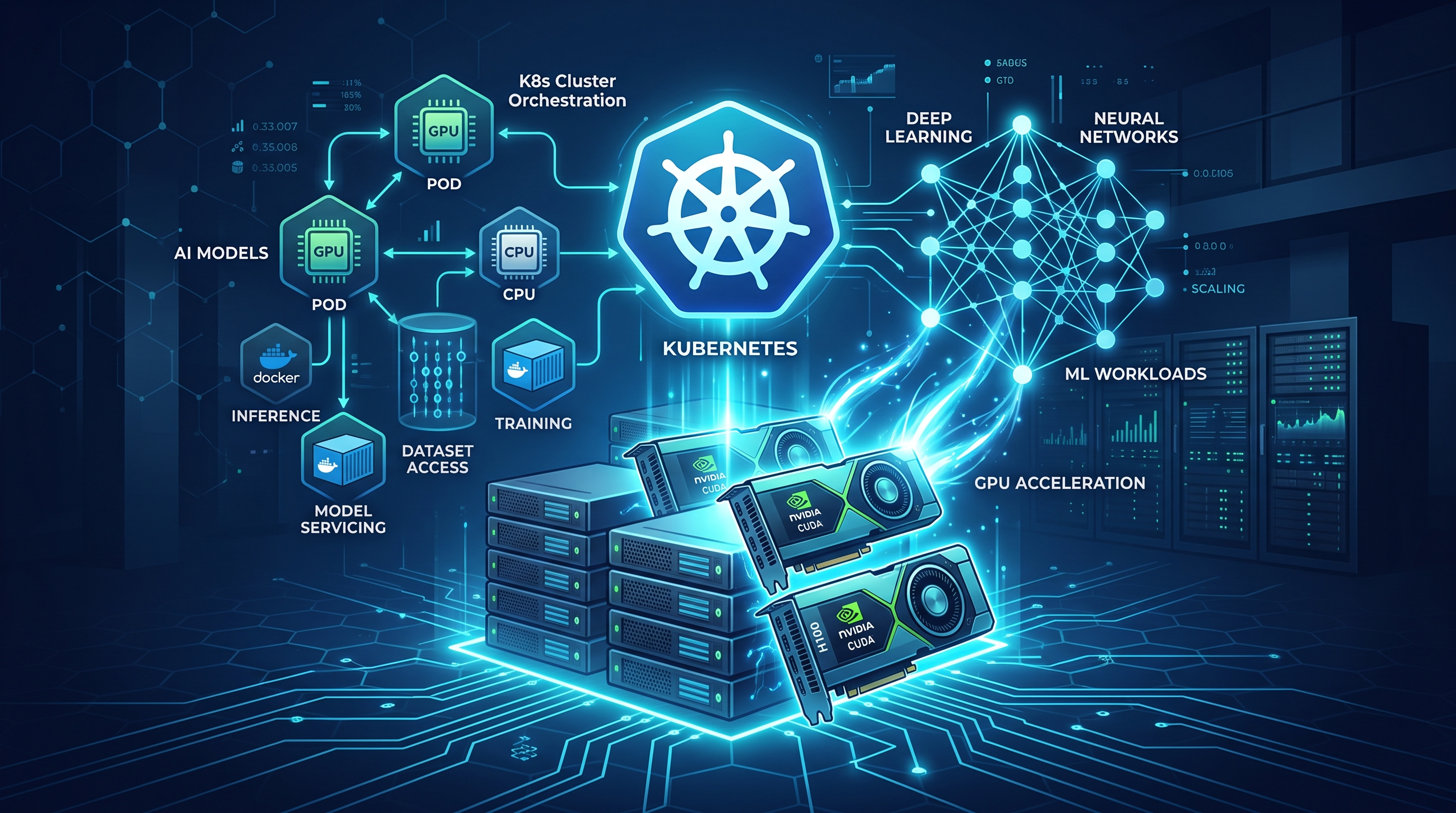
I’ve spent the last two decades watching infrastructure evolve from monolithic mainframes to distributed microservices, and now, to heterogeneous AI clusters. At JPMorgan Chase and Deutsche Bank, we didn’t just adopt Kubernetes; we hardened it. Today, the question isn’t whether to use Kubernetes for AI, but how to integrate GPU acceleration without breaking production stability. When people ask, "is it what’s the top kubernetes integration for ai and gpu acceleration?", they are often looking for a silver bullet. There isn’t one. There is, however, a specific stack that has proven robust under the weight of enterprise-grade inference and training workloads.
The Device Plugin: The Non-Negotiable Foundation
Before we talk about high-level orchestration, we must address the layer that actually exposes the hardware. The "top integration" is, unequivocally, the GPU Device Plugin. Without this, Kubernetes sees your nodes as CPU-only machines. The NVIDIA GPU Operator, maintained by the cloud-native community, is the standard implementation. It handles the daemonset that runs on each node, ensuring that nvidia.com/gpu resources are correctly reported to the scheduler.
In my experience, simply installing the operator is not enough. You must configure the node labels and tolerations precisely. If you misconfigure the nodeSelector, your AI workloads will either fail to schedule or, worse, spill over onto nodes that lack the necessary CUDA libraries. This is a basic engineering discipline: if the scheduler doesn’t know the hardware exists, it will treat it as generic compute. We enforce strict label policies in our clusters to ensure that only nodes with verified GPU drivers and compatible CUDA versions are marked as gpu-enabled. This prevents the "noisy neighbor" problem where CPU-heavy jobs clog the node, starving the GPU tasks that require memory bandwidth.
Scheduling and Topology Awareness
Once the hardware is visible, the next challenge is scheduling. Standard Kubernetes scheduling algorithms are CPU-centric. They don’t understand that a GPU is a PCIe device with limited bandwidth and that moving data across NUMA nodes incurs a penalty. This is why the top integration for AI workloads includes advanced scheduling extensions like kube-scheduler plugins or external schedulers such as Volcano or Kueue for batch workloads.
For inference, low latency is paramount. We configure pod affinity rules to ensure that pods requiring GPU resources are scheduled on nodes that have the specific GPU model (e.g., A100 vs. H100). We also use nodeAffinity to group GPUs that are physically close together. If you are running distributed training, you need to ensure that the pods are scheduled on nodes that share the same NVLink topology. Without this, you are wasting significant time on inter-node communication. I’ve seen training jobs slow down by 20% simply because the scheduler placed pods on nodes that required data to traverse the network switch instead of using direct GPU-to-GPU communication.
Multi-Tenancy and GPU Sharing
Enterprise environments are not single-tenant playgrounds. You cannot afford to dedicate a full A100 to a single developer’s experiment. This is where GPU sharing becomes critical. The NVIDIA GPU Operator supports two primary modes: MIG (Multi-Instance GPU) and time-slicing.
MIG allows you to partition a single physical GPU into multiple isolated instances. This is ideal for training jobs that require guaranteed memory and compute resources. Time-slicing, on the other hand, shares the GPU core among multiple pods, switching context rapidly. This is perfect for inference services with bursty traffic.
We use a combination of both. For our large language model training pipelines, we use MIG to create 7g.40gb instances, ensuring that each job has a hard boundary. For our real-time inference endpoints, we use time-slicing with strict resource quotas. The key is to set the limits and requests correctly. If you set limits: 1 GPU, the scheduler will reserve the entire device. If you set limits: 0.5, it allows sharing. Misconfiguring these leads to either underutilization or OOM kills, both of which are unacceptable in production.
Security and Sandboxing AI Agents
As we integrate more AI agents into our Kubernetes clusters, security becomes paramount. AI agents, particularly those with agentic capabilities, can be unpredictable. They may spawn subprocesses, access external APIs, or consume excessive resources. Running these agents on the same nodes as critical production services is a security risk.
This is where the integration of security sandboxes comes into play. We use tools like gvisor or kata containers to run AI agents in lightweight, isolated environments. This ensures that even if an agent is compromised, it cannot escape the container or access the host’s GPU resources directly. We also enforce strict network policies to limit the agent’s ability to communicate with external endpoints. This is not just about preventing data leaks; it’s about protecting the integrity of the GPU infrastructure. If an agent goes rogue and starts a crypto-mining attack, it can degrade the performance of all other workloads on the node.
For a deeper dive into securing these workloads, I recommend reading our post on Agentic AI Security and Kubernetes Sandboxing. It details the specific policies we use to isolate untrusted AI code.
Observability and Cost Optimization
You cannot manage what you cannot measure. GPU workloads are expensive. A single A100 can cost thousands of dollars per month. Without proper observability, you are flying blind. We integrate Prometheus and Grafana to monitor GPU utilization, memory usage, and temperature. We also track the cost per inference or per training epoch.
This is where FinOps meets AI. We use automated scripts to scale down inference services when traffic drops and to pause training jobs when budget thresholds are reached. This is not just about saving money; it’s about responsible resource management. We also use tools like kubecost to attribute GPU costs to specific teams or projects. This encourages engineers to write efficient code and avoid wasting resources on unnecessary experiments.
If you are looking to optimize your GPU spend, our guide on FinOps and AI Agents for Kubernetes Cost Optimization provides a step-by-step approach to reducing waste.
Frequently Asked Questions
What is the most important Kubernetes integration for AI and GPU acceleration?
The NVIDIA GPU Operator is the most critical integration. It provides the device plugin, node feature discovery, and driver management required for Kubernetes to recognize and schedule GPU workloads effectively.
How do I share GPUs between multiple pods in Kubernetes?
You can share GPUs using NVIDIA’s time-slicing feature or MIG (Multi-Instance GPU). Time-slicing allows multiple pods to share the GPU core by switching contexts, while MIG partitions the GPU into isolated instances. The choice depends on whether you need guaranteed compute resources or maximum utilization.
Can I run AI training and inference workloads on the same Kubernetes cluster?
Yes, but you must use strict scheduling policies and resource quotas. Training workloads are typically batch-oriented and require high throughput, while inference workloads are latency-sensitive. Use different node pools or taints to separate these workloads and prevent interference.
How do I monitor GPU utilization in Kubernetes?
You can monitor GPU utilization by exporting metrics from the NVIDIA DCGM (Data Center GPU Manager) exporter to Prometheus. This provides detailed metrics on GPU utilization, memory usage, temperature, and power consumption. These metrics can then be visualized in Grafana for real-time monitoring.