
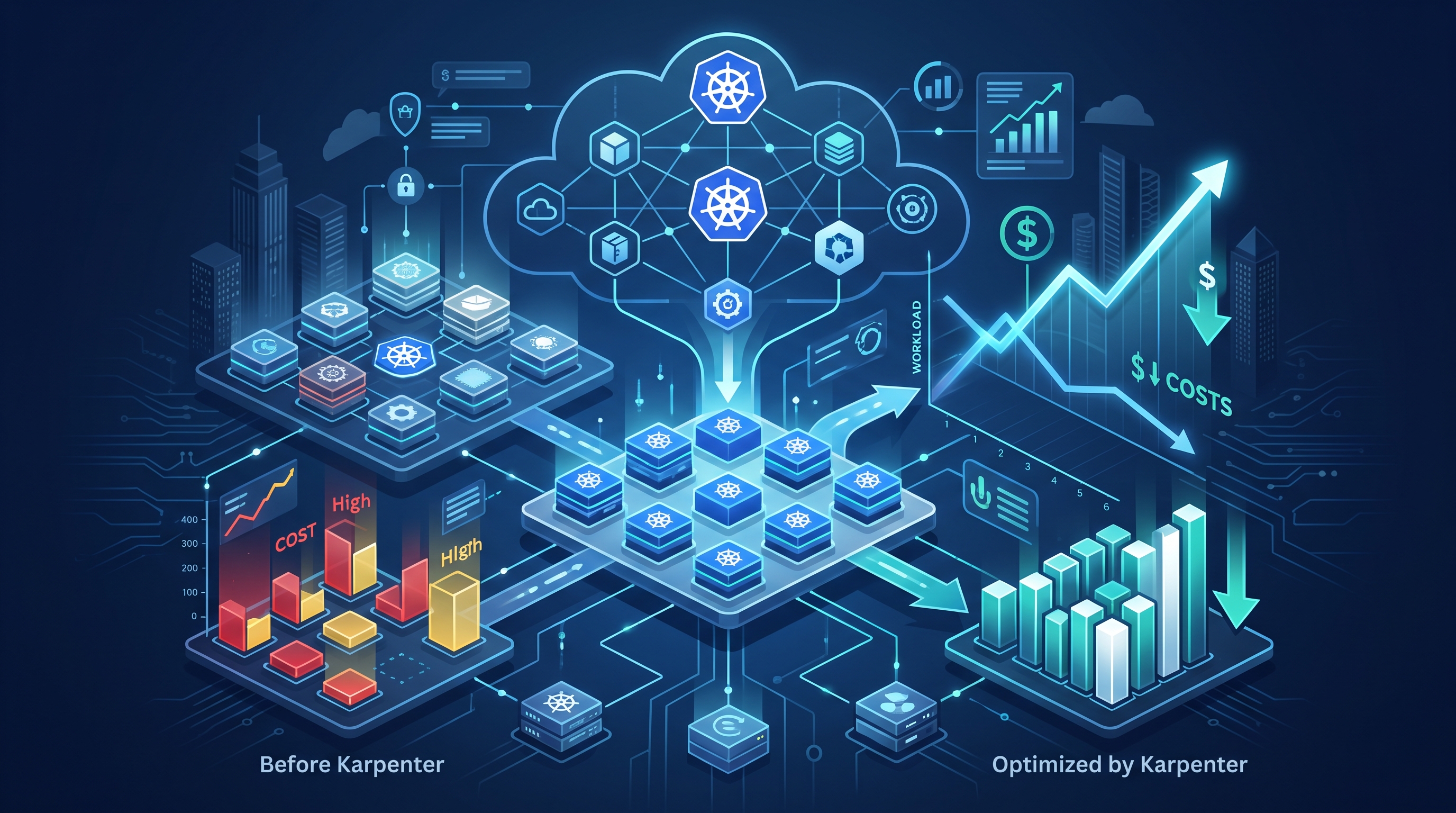
The End of the "Warm" Node Problem
For two decades, I have watched enterprises burn money on idle infrastructure. At JPMorgan Chase and Deutsche Bank, we didn't just run Kubernetes; we managed massive, heterogeneous fleets where every cent of compute waste mattered. The traditional Cluster Autoscaler has always had a flaw: it is reactive. It waits for a pod to fail scheduling, then triggers a node group expansion. That delay—often 5 to 10 minutes—means your pods sit in `Pending` state while the cloud provider provisions a new instance.
Karpenter changed the game. It is not just an autoscaler; it is a just-in-time node provisioner. In 2026, the expectation is not just that nodes appear, but that they appear in under 10 seconds with the exact resources required. I have seen this firsthand in production environments. When you stop provisioning "large" nodes to cover all bases and start using Karpenter’s bin-packing algorithms, you eliminate the 30-40% of capacity that usually sits idle waiting for workloads.
This is not theoretical. This is about engineering discipline. We moved from static node pools to dynamic, request-driven provisioning. The result was a immediate reduction in cloud spend, not by cutting corners, but by stopping the practice of paying for compute that isn't running code.
Configuration Beyond the Defaults
Most teams install Karpenter and leave the default configuration. That is a mistake. The defaults are designed for stability, not efficiency. To truly optimize, you must tune the `Provisioner` resource. The key metric here is `maxIdleSeconds`. By default, Karpenter waits 5 minutes before terminating an empty node. In high-turnover environments, this is too long. I often set this to 180 seconds for non-production workloads and 600 seconds for production.
Another critical setting is `k8sNodeGroupTags`. When Karpenter creates a node, it tags it. If you are using AWS, these tags determine the instance type and availability zone. I enforce strict tagging policies so that our FinOps tools can attribute costs to specific teams. Without this, you are flying blind regarding where your money is going.
Consider the following configuration snippet for a production-grade provisioner:
- ttlSecondsAfterEmpty: Set to 60s to ensure rapid termination of idle nodes.
- weight: Assign higher weights to node classes that are cost-effective and high-performance.
- requirements: Define specific instance families (e.g., `c7i`, `r7i`) to avoid generic, expensive choices.
This level of control ensures that Karpenter does not just pick any available node, but the *right* node. It respects your constraints while maximizing utilization. This is the difference between a tool that works and a tool that drives value.
Spot Instances and Resilience
In 2026, running production workloads on on-demand instances is financially irresponsible unless you are processing sensitive data that cannot tolerate interruptions. Karpenter makes spot instances viable for production by handling the lifecycle automatically. When a spot instance is interrupted, Karpenter detects the termination, launches a replacement, and reschedules the pods.
I have implemented spot strategies that reduce compute costs by over 50% compared to on-demand pricing. The key is to diversify your instance types. If you rely on a single instance type, a spot market interruption can leave you with no available capacity. By specifying a mix of instance families and zones, you increase the probability that Karpenter can find a replacement quickly.
However, this requires careful handling of stateful workloads. For stateless applications, spot is a no-brainer. For stateful ones, you need to ensure your operators (like Kubernetes StatefulSets) are configured to handle node loss gracefully. This is where Agentic AI security patterns come into play, ensuring that automated recovery processes do not introduce security vulnerabilities during rapid scaling events.
Observability and Self-Healing
You cannot optimize what you cannot measure. Karpenter exposes metrics via Prometheus, but you need to look beyond the basic counts. I track `karpenter_node_provisioning_time` to measure the speed of node creation. If this metric spikes, it indicates a bottleneck in your cloud provider or a misconfiguration in your node classes.
Furthermore, integrating Karpenter with an AIOps strategy allows for predictive scaling. By analyzing historical pod scheduling patterns, you can anticipate spikes and pre-warm nodes. This is a advanced practice, but it is becoming standard in large-scale enterprises. For more on this, see our guide on AIOps and self-healing Kubernetes.
When combined with AI-native observability, you can create a feedback loop where the infrastructure adapts in real-time to workload demands. This is the future of DevOps: infrastructure that thinks and acts.
Frequently Asked Questions
How does Karpenter differ from Cluster Autoscaler?
Cluster Autoscaler is node-group-centric, meaning it expands predefined groups of nodes. Karpenter is request-centric; it creates individual nodes based on the exact resources needed by pending pods. This results in faster provisioning and less waste, as Karpenter does not maintain idle node groups.
Can I use Karpenter with stateful workloads?
Yes, but with caution. Karpenter handles the node lifecycle, not the pod lifecycle. For stateful workloads, you must ensure your Kubernetes operators (like those for databases) are configured to handle node termination gracefully. It is recommended to use dedicated node classes for stateful workloads to prevent premature termination.
What are the best practices for cost optimization?
First, use spot instances for fault-tolerant workloads. Second, tune `maxIdleSeconds` to reduce the time idle nodes remain running. Third, implement right-sizing policies for pod requests and limits. Finally, use Karpenter’s `weight` feature to prioritize cost-effective instance types over more expensive ones when performance requirements are met.
How do I troubleshoot Karpenter not provisioning nodes?
Check the Karpenter controller logs for errors. Common issues include insufficient permissions in the IAM role, misconfigured node classes, or resource quotas that prevent new nodes from being created. Also, verify that your pod specifications do not request resources that are unavailable in your defined instance types. Use `kubectl describe pod` to check for scheduling conditions.